Finance
Integration of Keruj with PUMB bank
Author:
Inesa
Why is integration with PUMB bank needed?
The new integration with PUMB in Keruj will help businesses that:
serve current accounts in PUMB
regularly receive and send payments
keep records of receipts and payments
want to automate financial accounting without manual work
Thanks to the integration, Keruj users will be able to do the following in one working environment:
receive up-to-date bank statements
automatically reconcile transactions with sales and invoices
promptly generate financial reports
reduce time spent on processing payments and statements
This significantly increases the efficiency of accounting processes and eliminates the need to manually check data in online banking.
How exactly does the integration connection take place?
It is worth noting that the bank opens access via API or a special mechanism (for example, an API key, token, or connection via a business account). This allows the CRM to securely receive data on accounts, transactions, balances, etc.
Setting up integration with PUMB bank: step by step
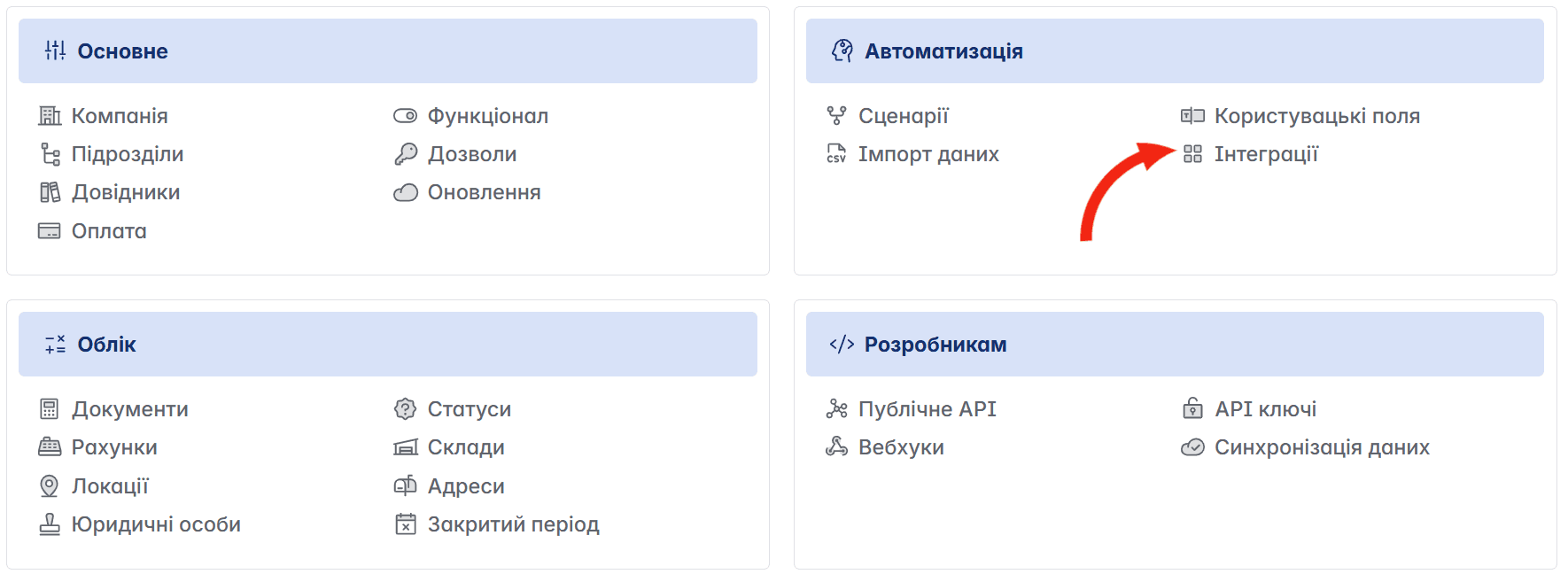
Go to the "Settings" section and select "Integrations" in the "Automation" block
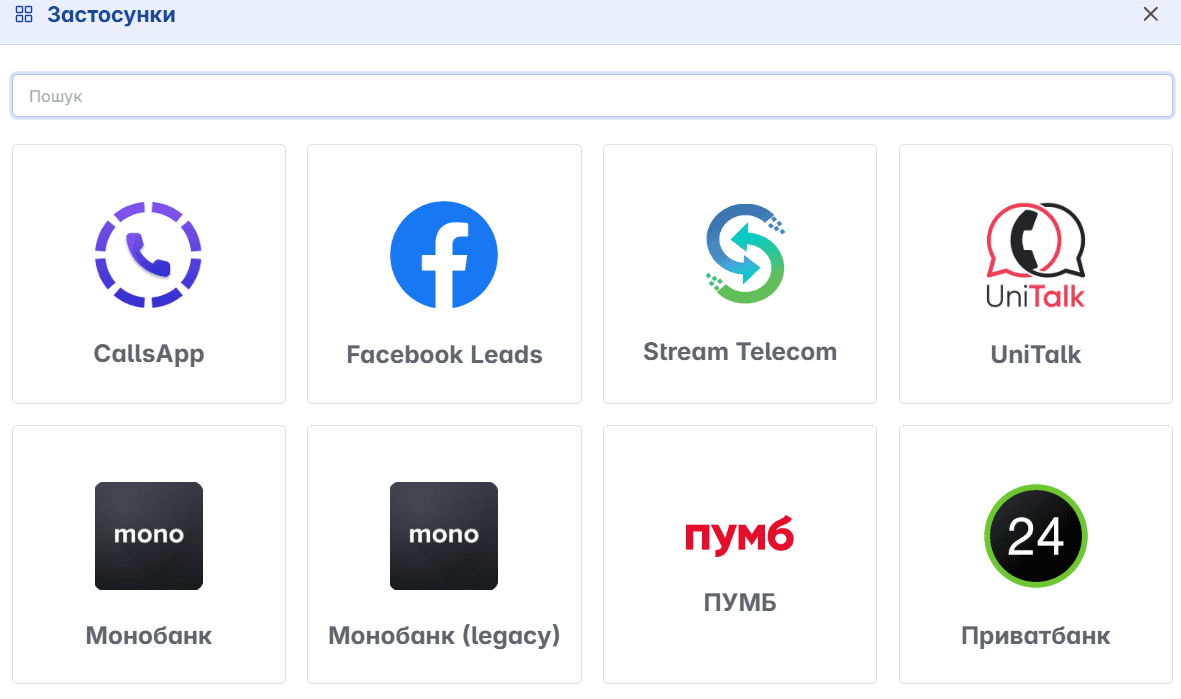
Click the "Add" button in the upper left part of the page, and select the required integration from the offered ones
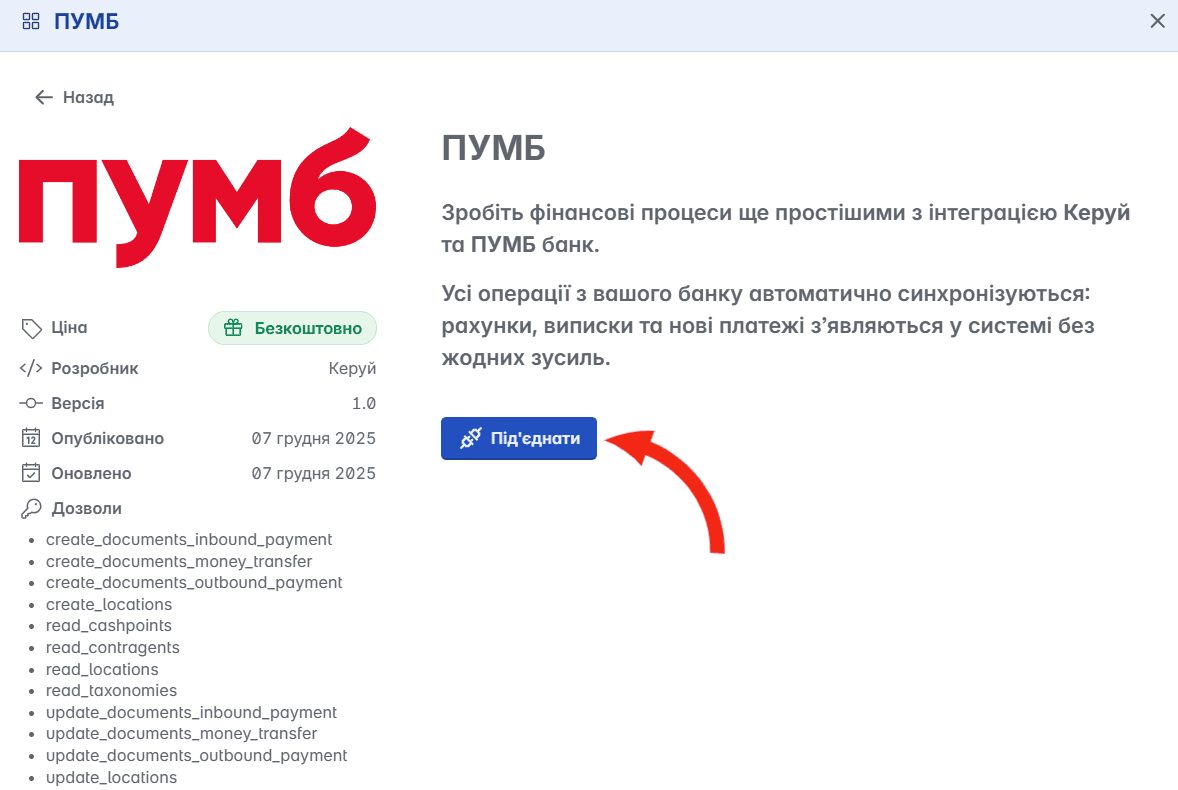
In the next step, in the information window, click the "Connect" button
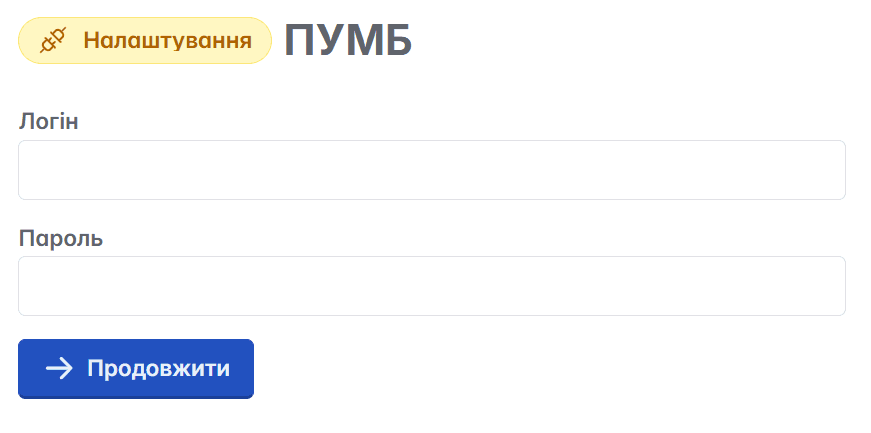
On the settings page, enter your credentials for logging into the internet bank (login and password) and click the "Continue" button. After that, data synchronization will start automatically.
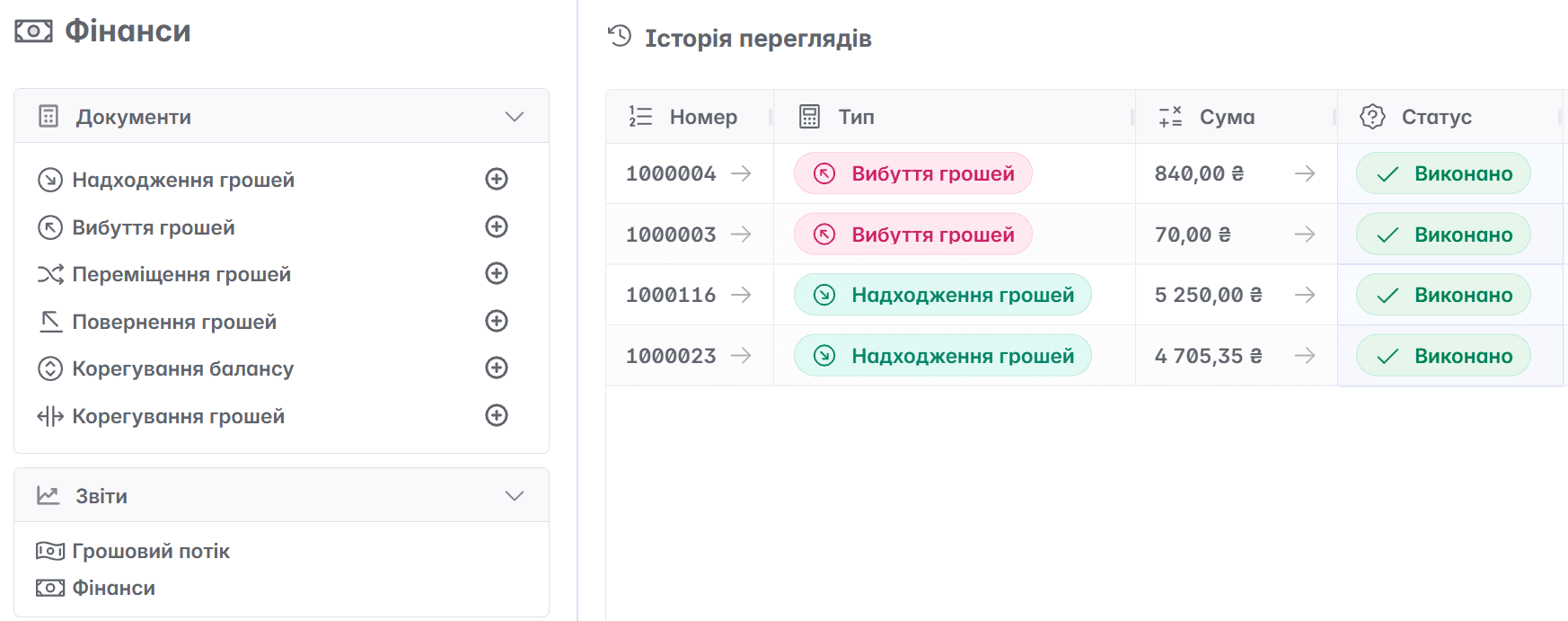
How is integration with the bank displayed in Keruj?
After completing synchronization with the bank, all financial transactions will be automatically displayed in the "Finance" section as separate documents. They immediately have the status "Completed", so you can view current analytics based on this data without delay.
The financial document has a standard form, and the data in the fields "From", "Amount", "Counterparty", "Category", "To Account" are pulled automatically. The purpose of payment is displayed in the "Notes" field
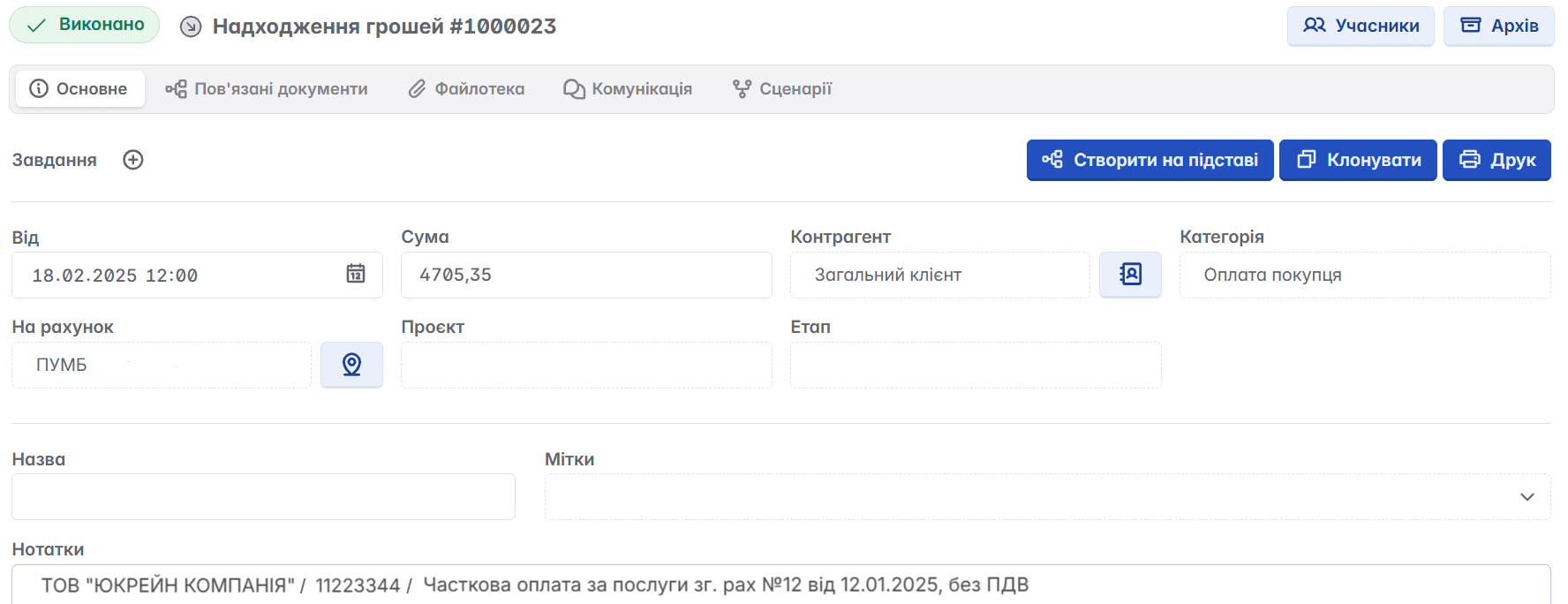
The fact that the document was created through synchronization does not limit the possibilities of working with it. You can change its status, supplement or edit information, print the document, or create a new one based on it. All functions for working with financial documents remain available.
Keruj integration with PUMB bank is:
a real step towards even better finance automation
synchronization of bank operations without manual entry
a reliable tool for analytics and payment control
more efficient management of financial flows within CRM
This functionality significantly simplifies the workflows of companies actively working with bank transactions and allows them to concentrate on business development rather than routine.
Experience all the benefits of integration with PUMB bank right now - order a demo and appreciate the convenience of automated financial accounting in Keruj!


