Accounting
Reports
Reports is the main module of Keruj™ for analyzing the financial and economic activity of your business
Their purpose:
to make informed financial decisions
to control expenses and income
to analyze the efficiency of purchases and sales
to track stock balances and the status of mutual settlements with counterparties
Location
The "Reports" module is located on the navigation panel on the left
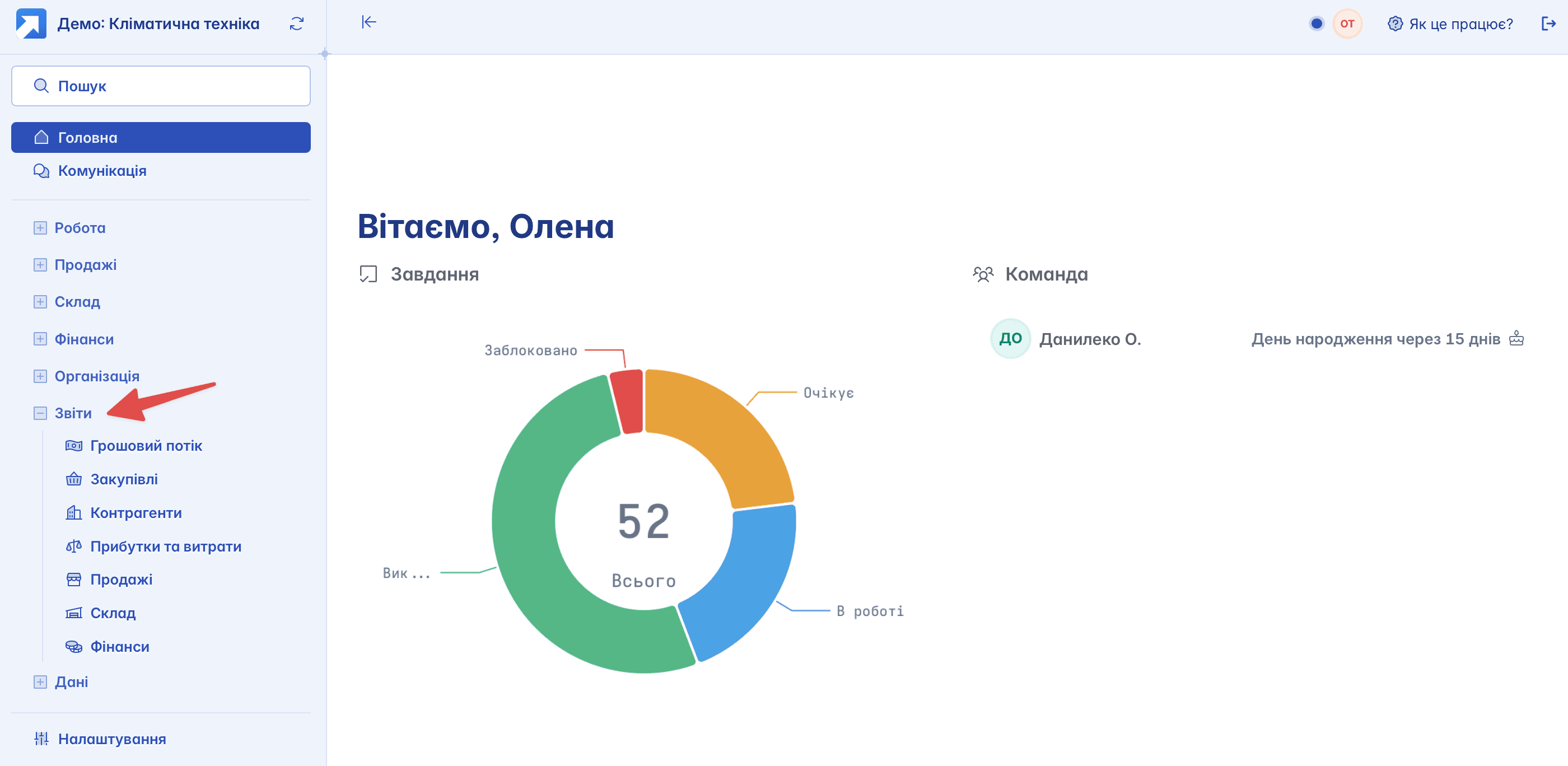
To start working with a report, simply select the required one from the suggested options. In the basic version of Keruj™, 7 main reports are available
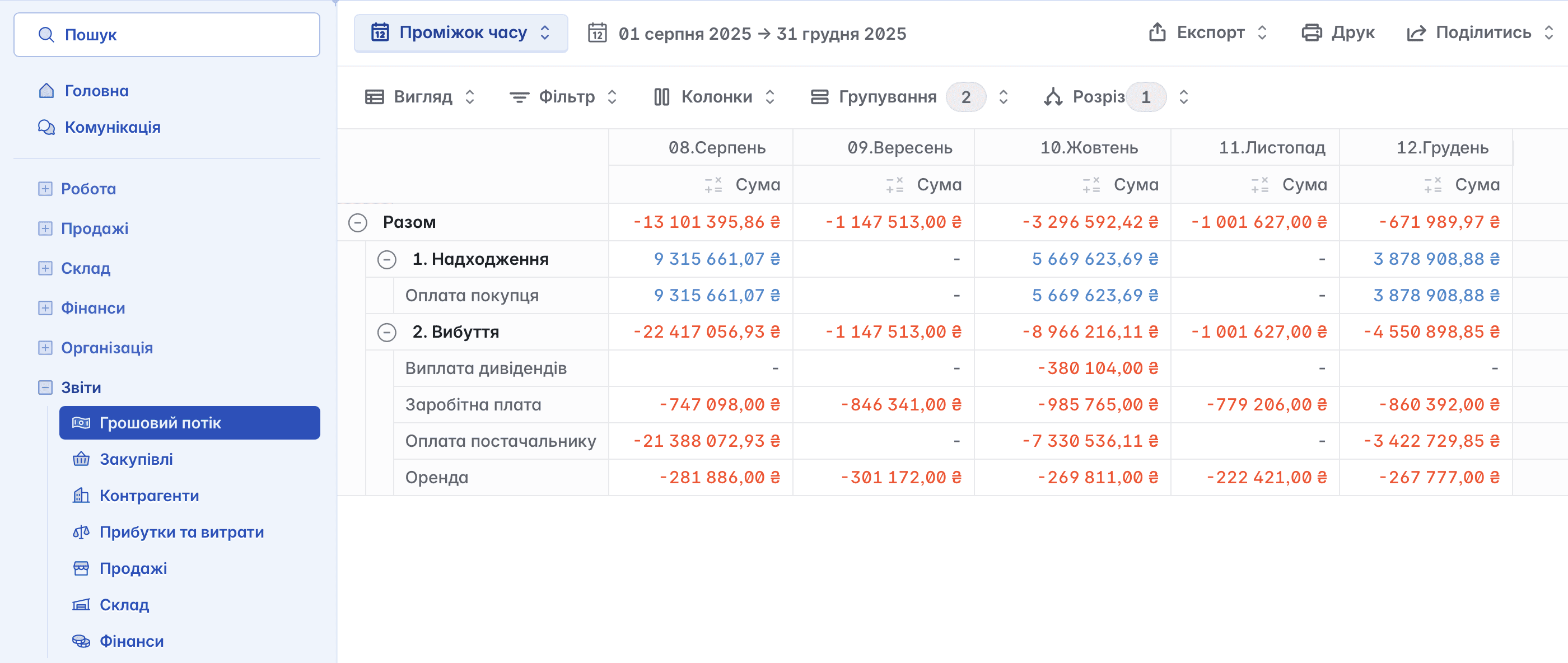
Cash Flow
This report displays all inflows and outflows of financial funds of your company. Data is presented by category and in various time intervals - daily, weekly, monthly, etc. Thanks to this, you can track cash movement in detail and control financial operations
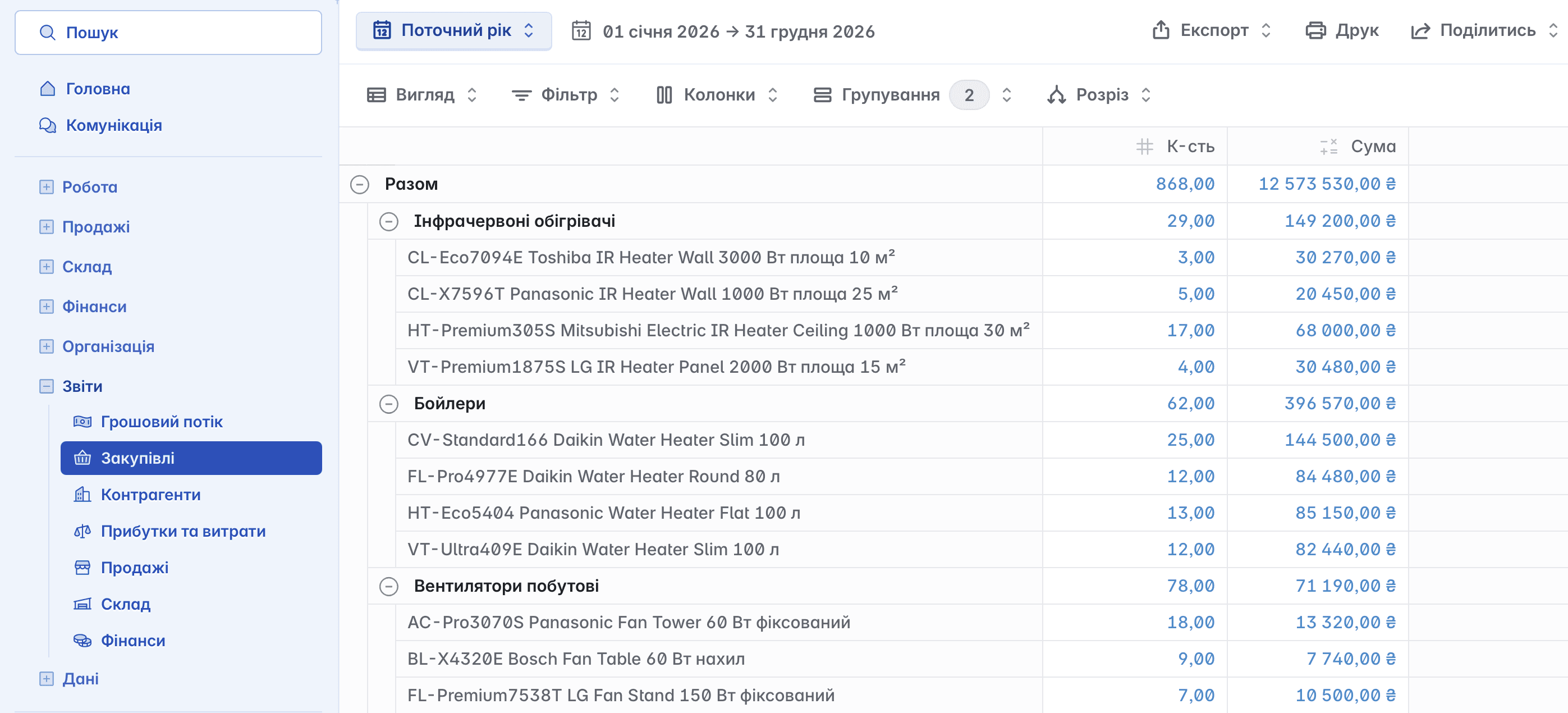
Purchases
The report contains data on all purchases of goods and services made during the selected period. It allows you to analyze purchasing expenses, check suppliers, and control the efficiency of purchasing activity
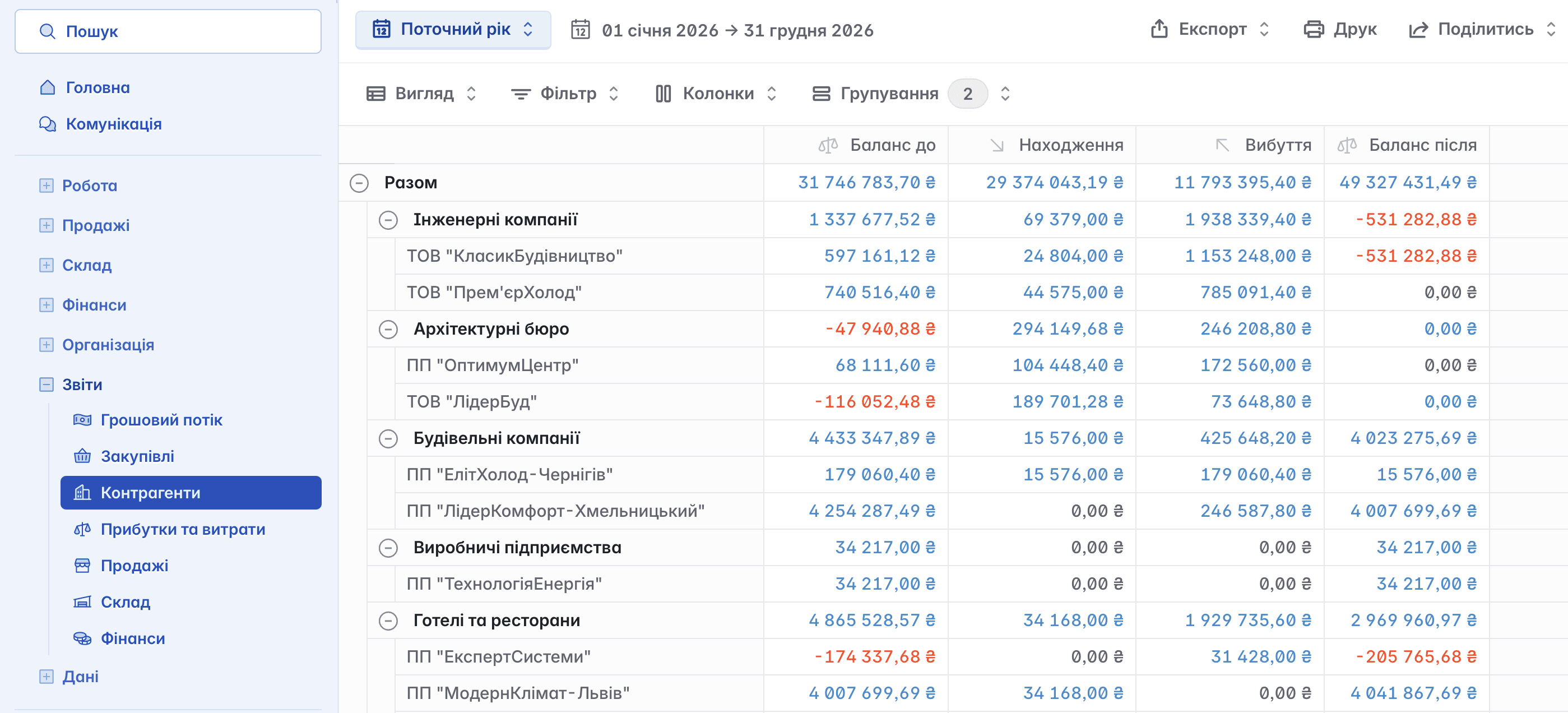
Counterparties
This report displays the financial turnover for each counterparty - supplier or client. It shows the balance at the beginning of the period, the amounts of inflows and outflows, as well as the balance at the end of the period. It allows you to analyze business activity and mutual settlements with partners
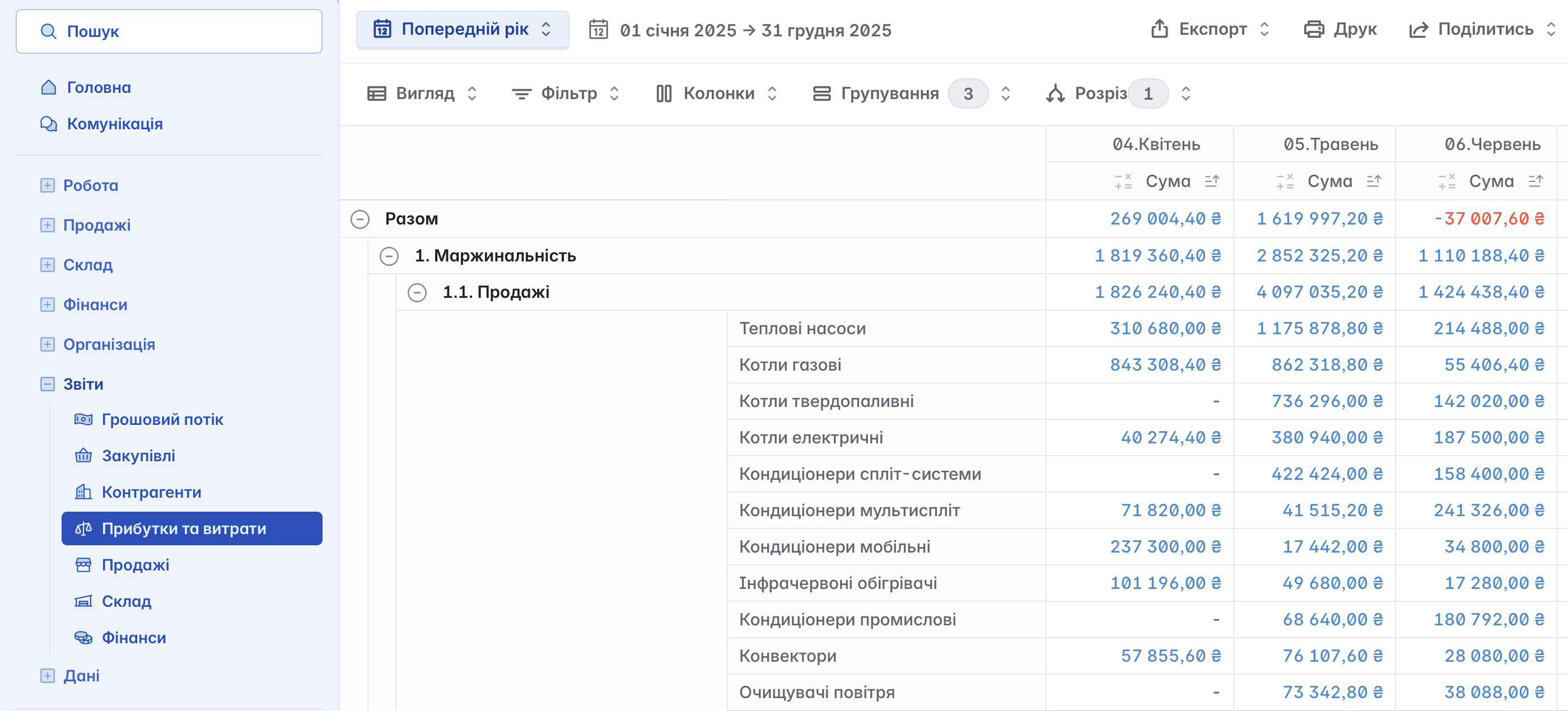
Profits and Expenses (P&L)
This report helps determine the company's net profit. It is calculated as the difference between all income and expenses, taking into account taxes, supply costs, dividends, and other financial obligations. This analysis allows evaluating business efficiency and making informed financial decisions
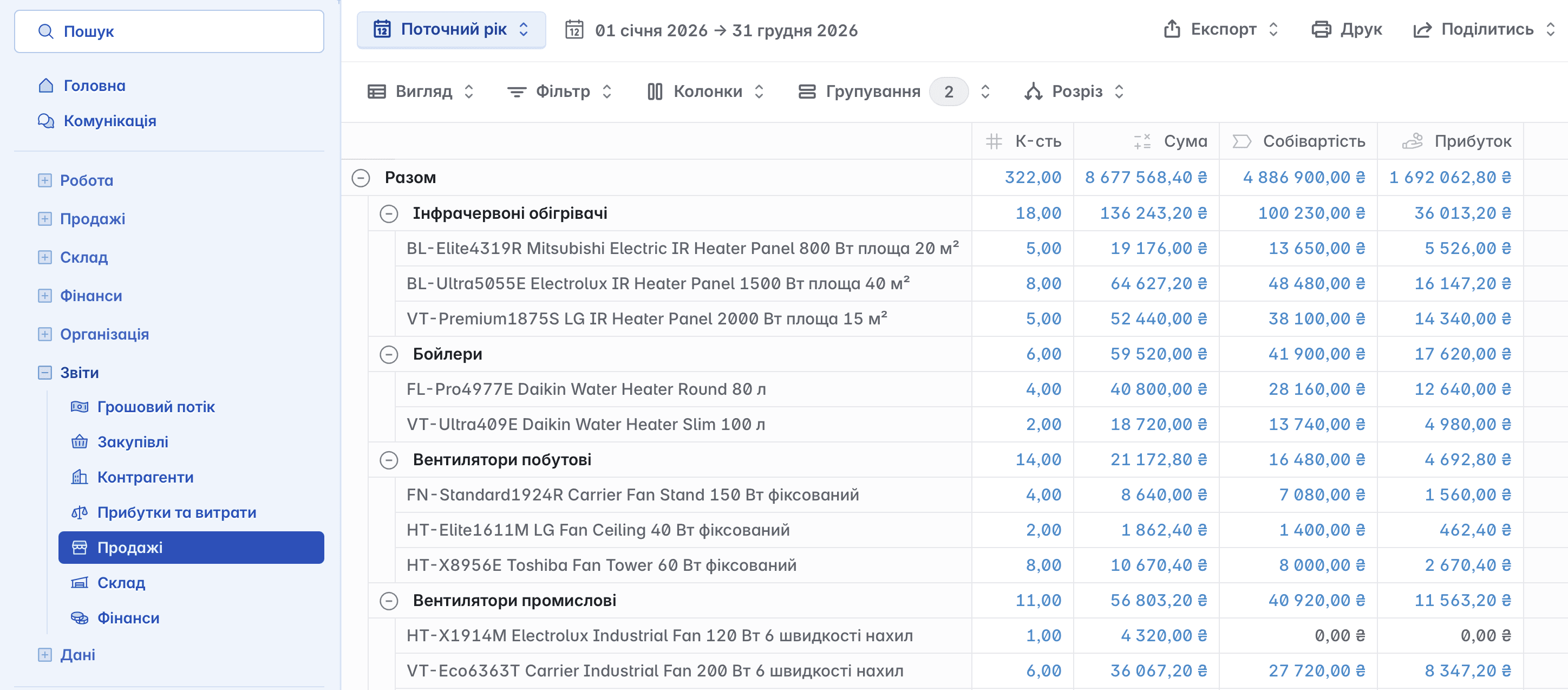
Sales
The report is used to analyze sales of goods and services for a specified period. It contains information about sales volumes and profit from each transaction, which allows evaluating sales efficiency and the profitability of goods or services
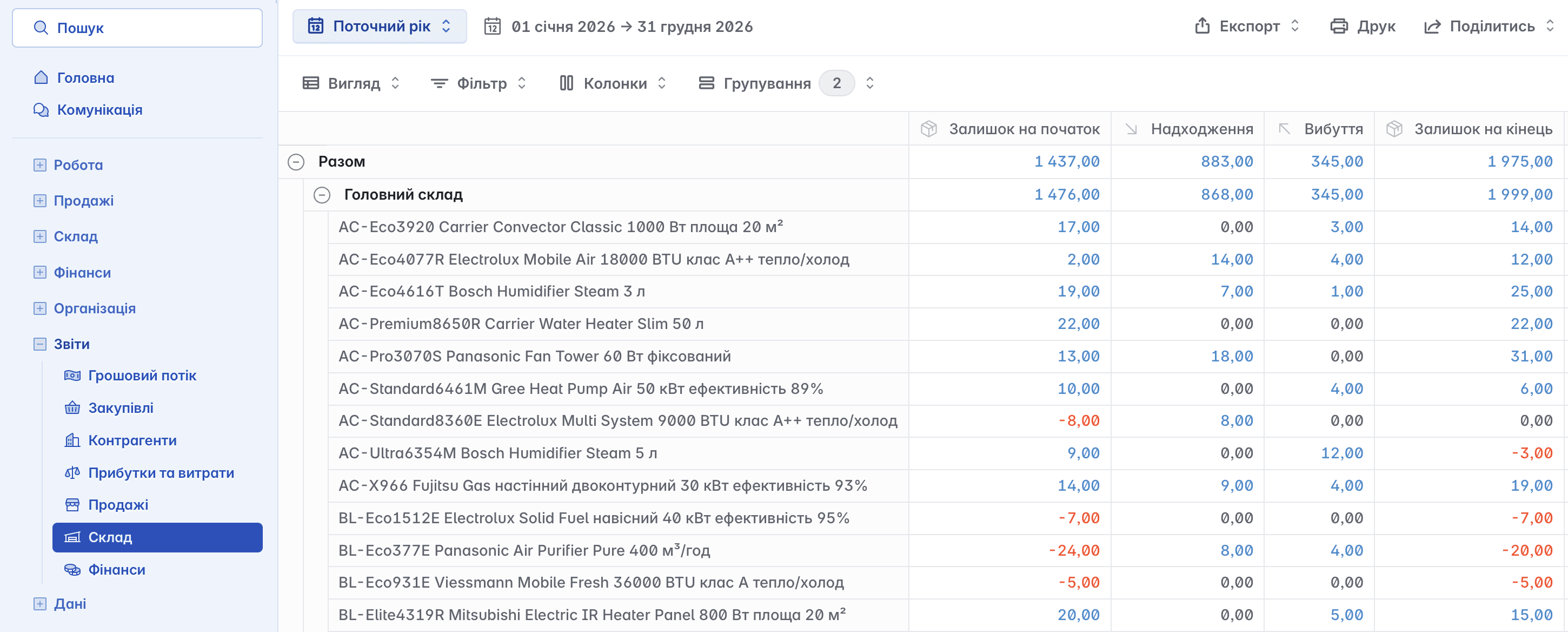
Warehouse
This report is used to analyze the movement of goods between warehouses, as well as to monitor current balances, reserved items, and expected arrivals. It allows efficient inventory management and ensures uninterrupted supply
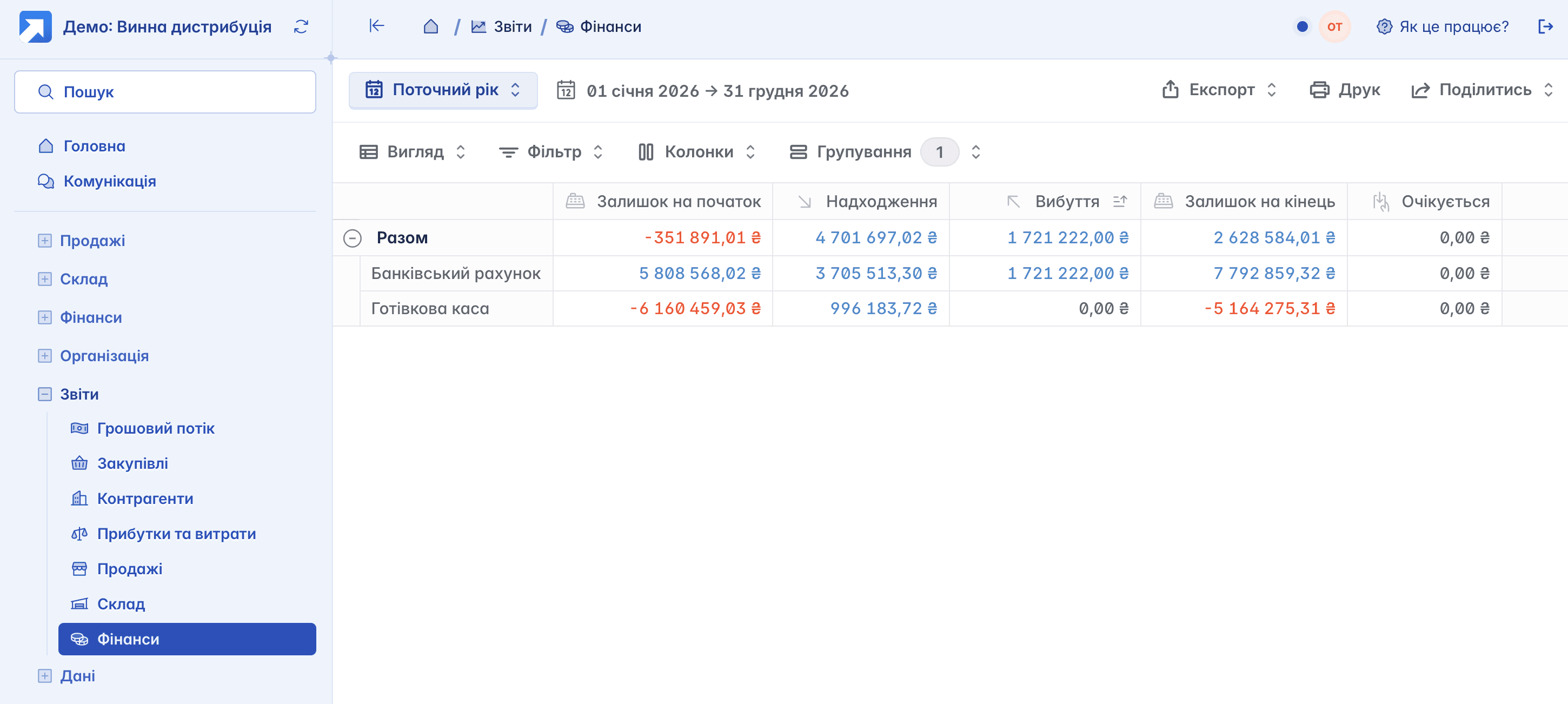
Finance
This report displays general information about the financial state of the company: account balances, cash flow, reserved amounts, and expected income or expenses. It allows prompt assessment of resource availability and forecasting financial needs
Report Settings
The page of each report contains a toolbar that provides convenient work with data and its analysis

You can customize the report to your own needs by adding the required columns and filters, and use the saved view in the future

Generating Reports
The main tool for generating a report is the button with the period

Custom Period
In addition to standard periods, you can set your own interval to display data in the report

Export
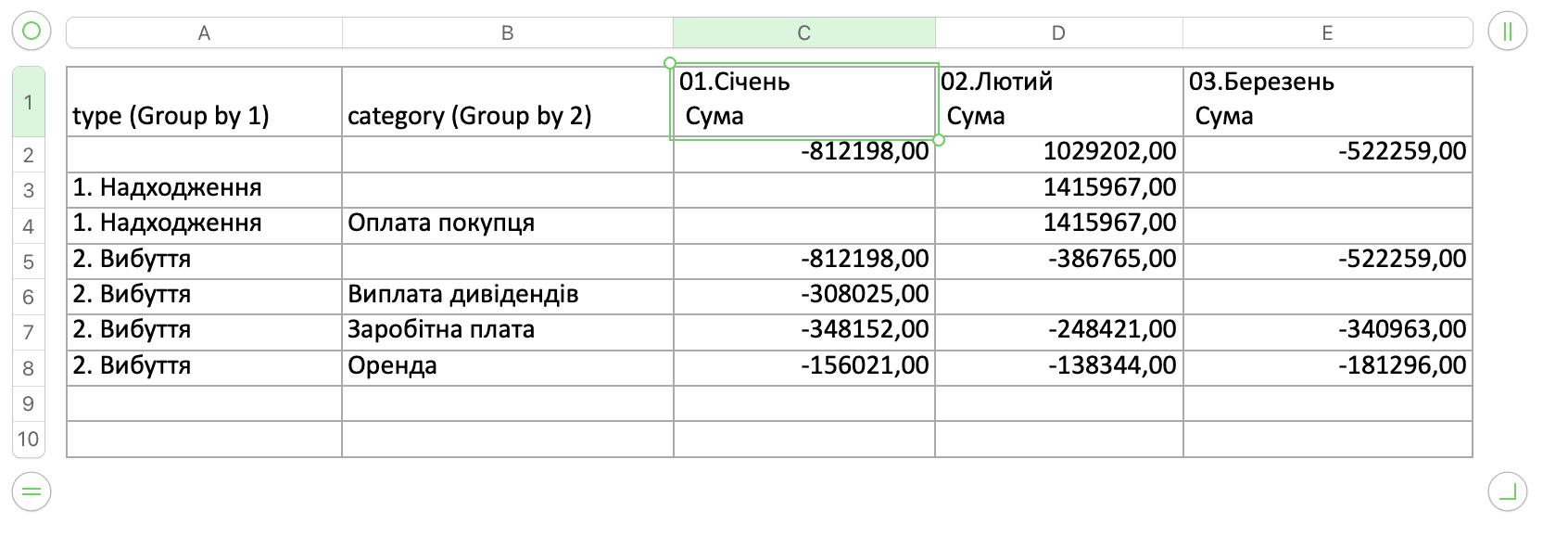
In Keruj™, you have the option not only to generate a report, but also to immediately export it to a CSV or XLSX file (saving the report for further work in a spreadsheet editor)

The document is saved to your device immediately for further work in the appropriate editor
If you have a connected peripheral device (for example, a printer), you can print the report directly from Keruj™

Share
In addition, you can grant access to the report to external users for a specific period of time using the "Share" button

After generation, you can send a short link, and the report will be available for viewing on any device, even if the recipient does not have access to your Keruj™ portal

All generated short links are displayed in the list and can be revoked at any time
Individual Reports
Keruj™ provides the ability to create an individual report format that will best suit your business needs. To do this, you can use the services of our professional service: an experienced business analyst will listen to your requirements and help develop a report that fully matches the specific details of your activity
Related articles