Tips and tricks
Audit of changes
Change audit is a history of events that records all changes made to a document in Keruj: who made them, when exactly, and what exactly was changed
This is an important element of transparency and security, especially in financial and warehouse accounting
Location
Change audit is available in the general module "Communication". It should be noted that to view changes made specifically by your user, you must activate the "Show read" parameter in "Settings"

And directly in the document, in the "Communication" section
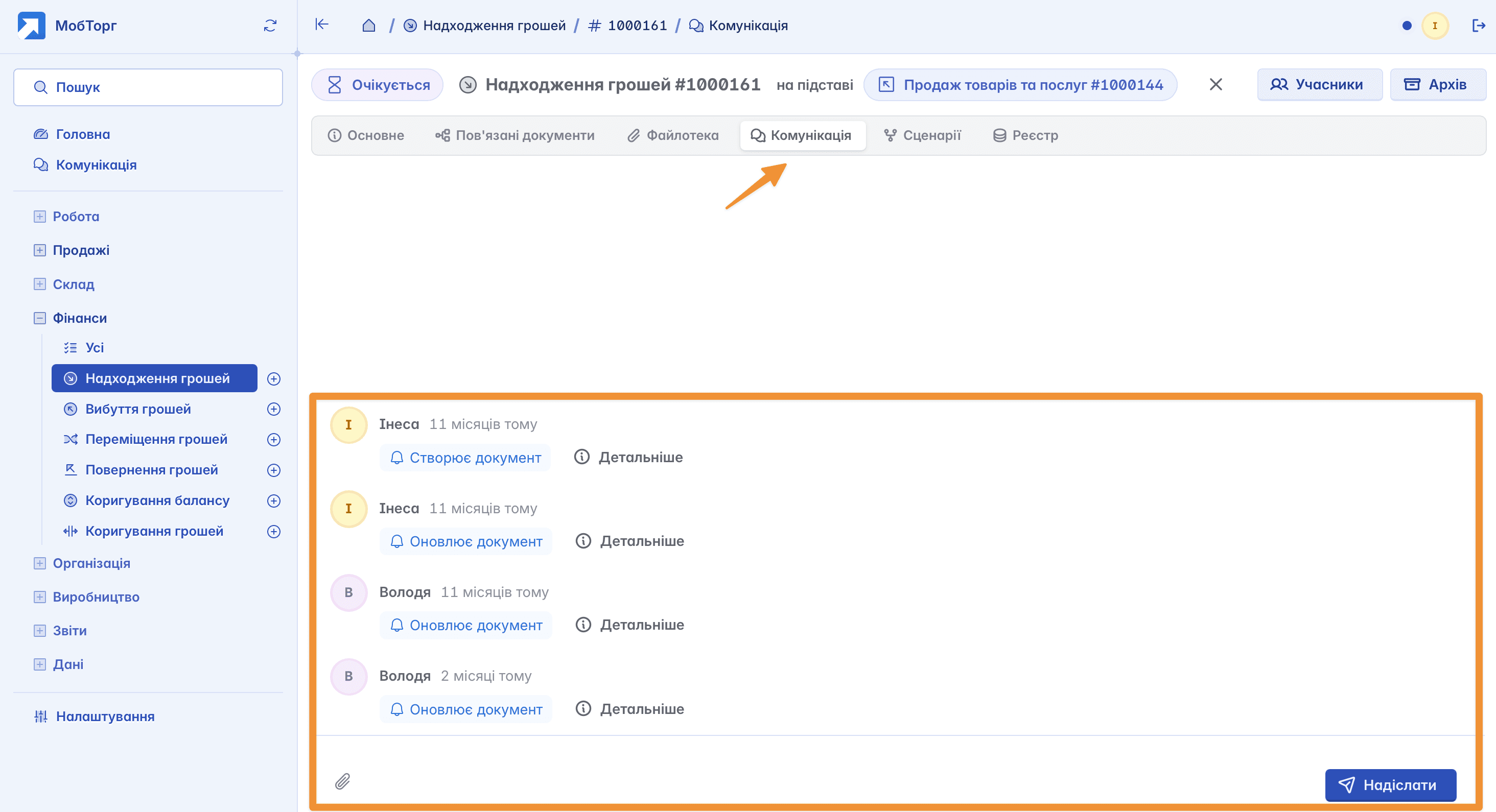
Viewing changes
Each audit entry contains the username, date, and a brief description of the action performed, for example: "Creates document" or "Updates document". Using the "! Details" button, you can view full information about the changes made to the document

Change audit is a tool of transparency in working with documents. Keruj records actions, allows analyzing the course of events, and helps control user accountability
Related articles