Tips and tricks
Data archiving
Keruj does not tolerate the deletion of information, but instead suggests using the archiving feature. All of your business data is too valuable to just be deleted
The archive is a tool for safely storing outdated records without deleting them. It helps to maintain order in your work while preserving the integrity of all company data
Its purpose is to:
hide outdated records from the work environment without losing information
preserve the history of work with counterparties, projects, nomenclature and other entities
provide the ability to view, analyze, or restore archived data at any time
protect important information from accidental deletion
ensure the transparency of financial, accounting, and legal records
maintain data integrity and completeness within the system
Archiving
To archive a counterparty, or any other record, you need to click the "Archive" button - on the upper right side of the page

You must specify the "Reason for archiving" and click the "Move to archive" button
Viewing records in the archive
If you need to view a record that has already been moved to the archive, you need to go to the section to which this record belongs (this can be counterparties, nomenclature, etc.). In the table settings bar, you need to define the "Archive" filters and select "Is not empty", then all records moved to the archive will be displayed on the page

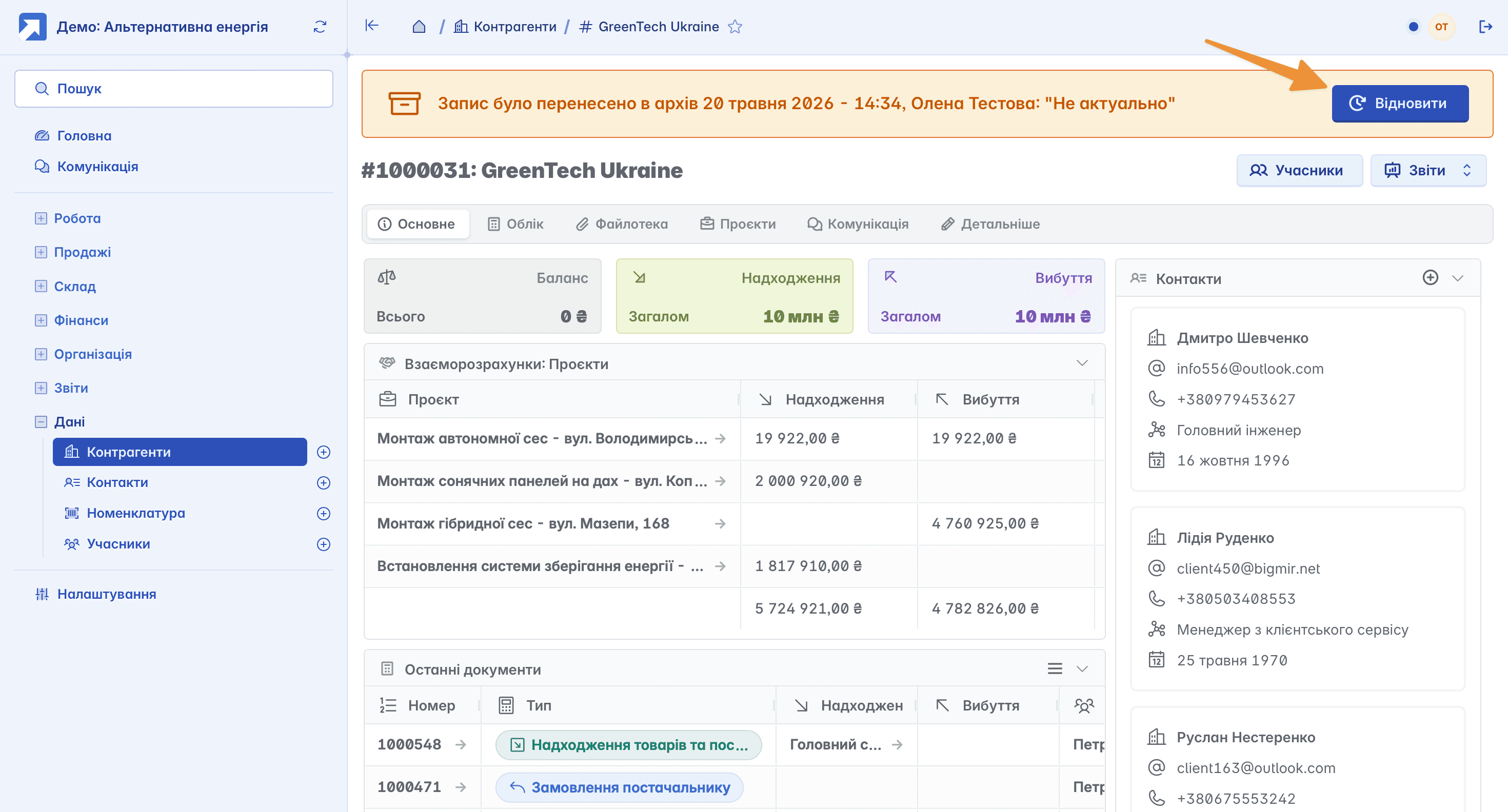
By selecting the required record, you will have the opportunity to familiarize yourself with all the information related to it, or "Restore" the record if necessary - that is, return it from the archive to active work
Related articles