Settings
Legal entities
A legal entity in Keruj is an officially registered organization or Sole Proprietorship (FOP) on whose behalf accounting is conducted, transactions are carried out, and documents are generated in the system
Its purpose:
saving the details of the organization or FOP
generating contracts, invoices, acts, and other documents on behalf of the legal entity
maintaining financial and document accounting
correctly displaying data in reporting and printed forms
separating accounting data in accordance with the company structure
Location
The tool for configuring legal entities is located in the left navigation panel, in the "Settings" section, under the "Accounting" block
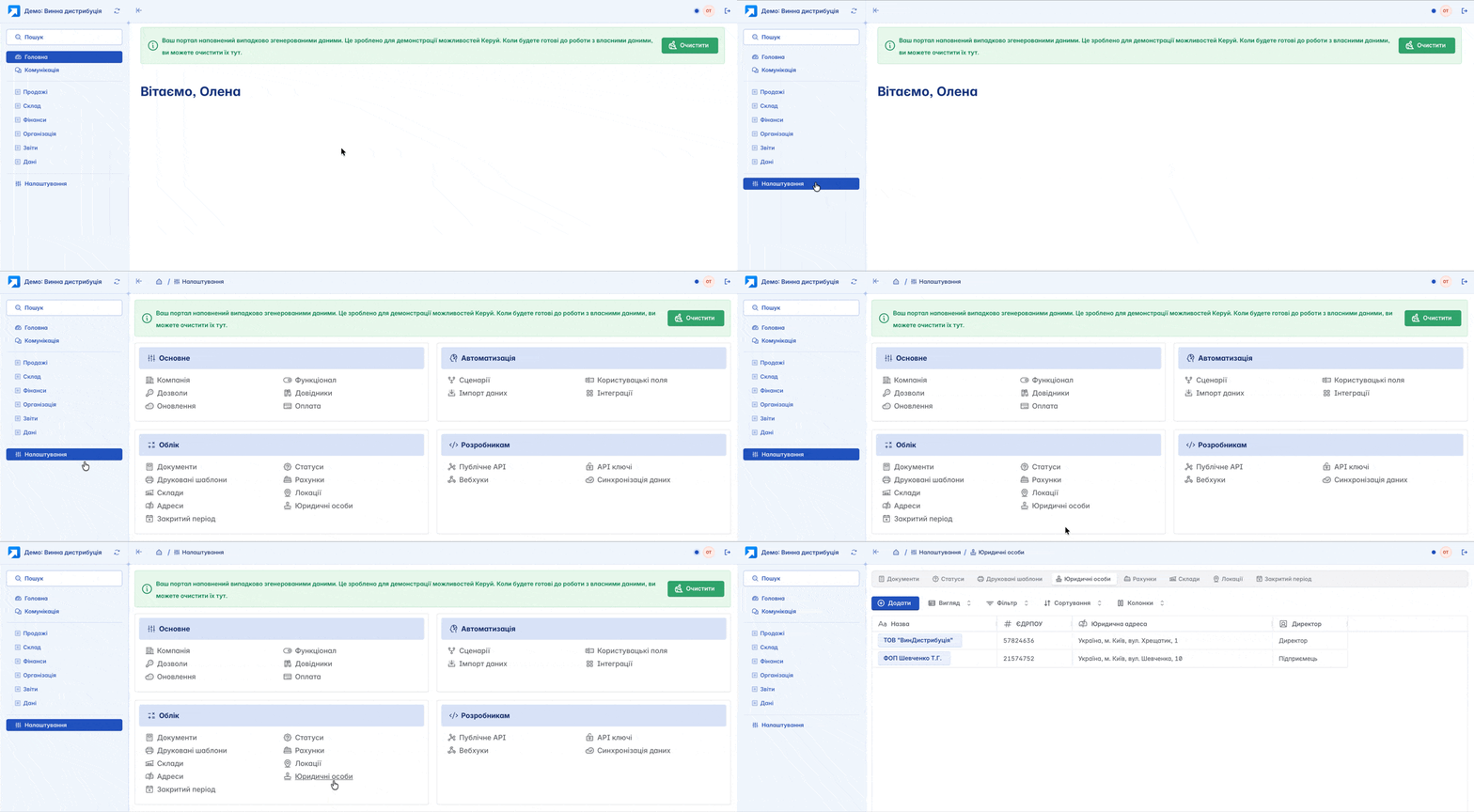
The list of legal entities is displayed in a tabular format. Its view can be changed according to your own criteria using filters, columns, and other tools. Here, the creation, editing, and basic configuration of legal entities are performed
Adding
You can add a legal entity by clicking the "+Add" button on the main page
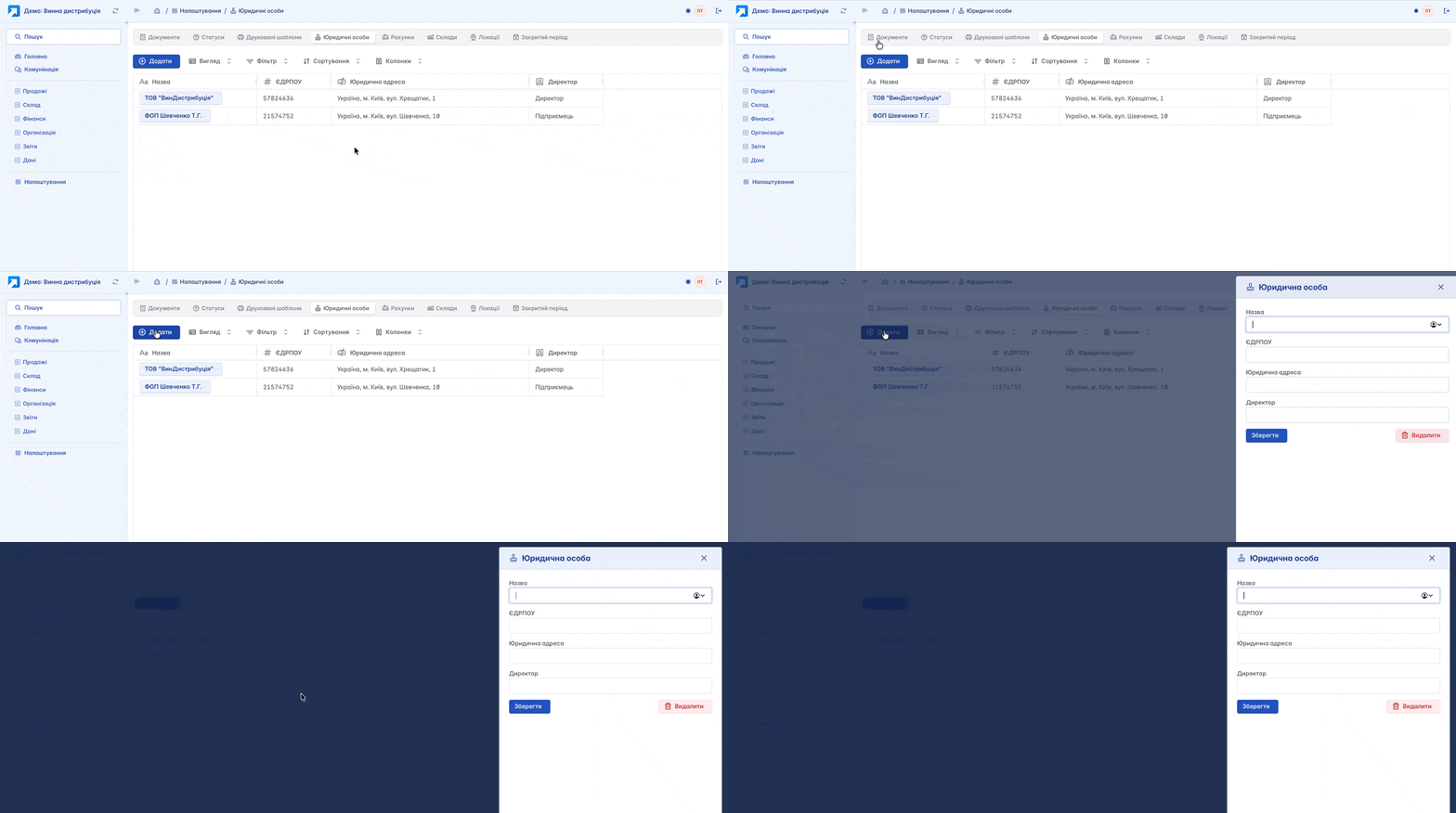
Form for creating a legal entity:
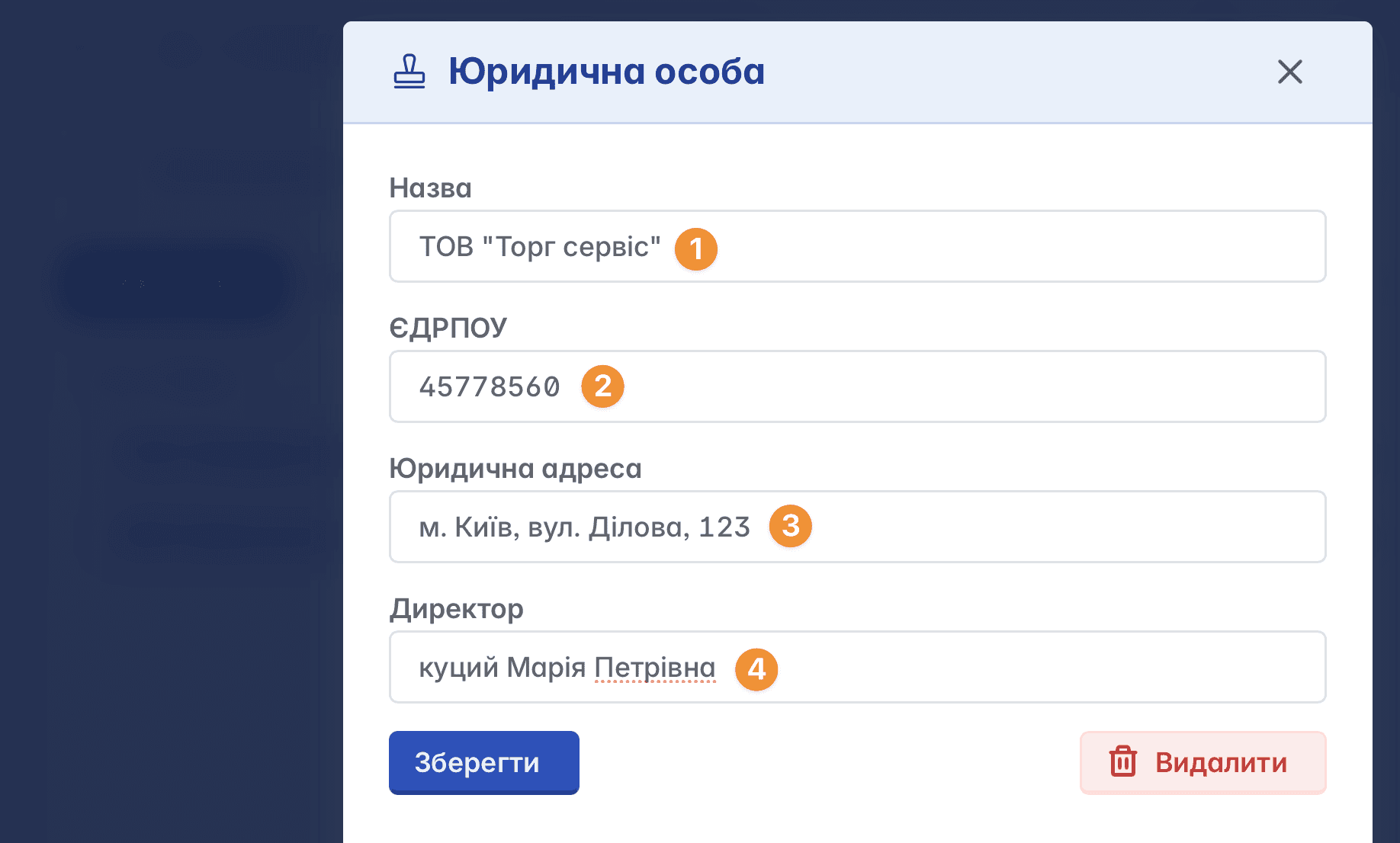
Name - the name of your enterprise or FOP
EDRPOU (or TIN in the case of a FOP) - a unique identification number assigned to each legal entity at the time of state registration
Legal address - the registration address of the enterprise
Director - Full Name of the managing person at the enterprise
Editing and Deleting
By clicking on the name of the legal entity, you will open the field for editing it. You have the option to change the actual name, EDRPOU, legal address, director and save the changes or, if necessary, delete the record

Deletion of legal entities is possible only if the user has the appropriate access rights and in the absence of associated data. If documents or other dependent information are linked to the legal entity, deletion will be unavailable
Legal Entity in a Document
A legal entity is involved in all processes in Keruj, and it is one of the key elements when creating any document
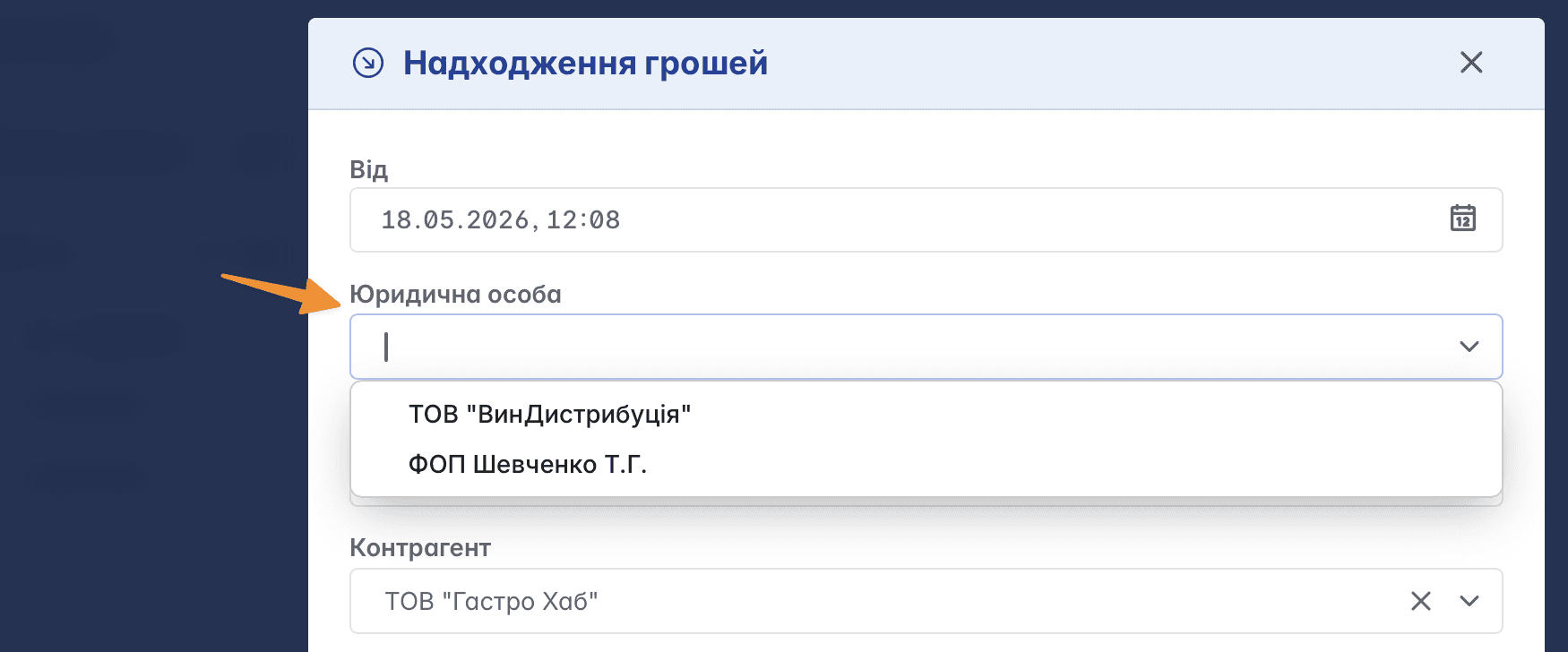
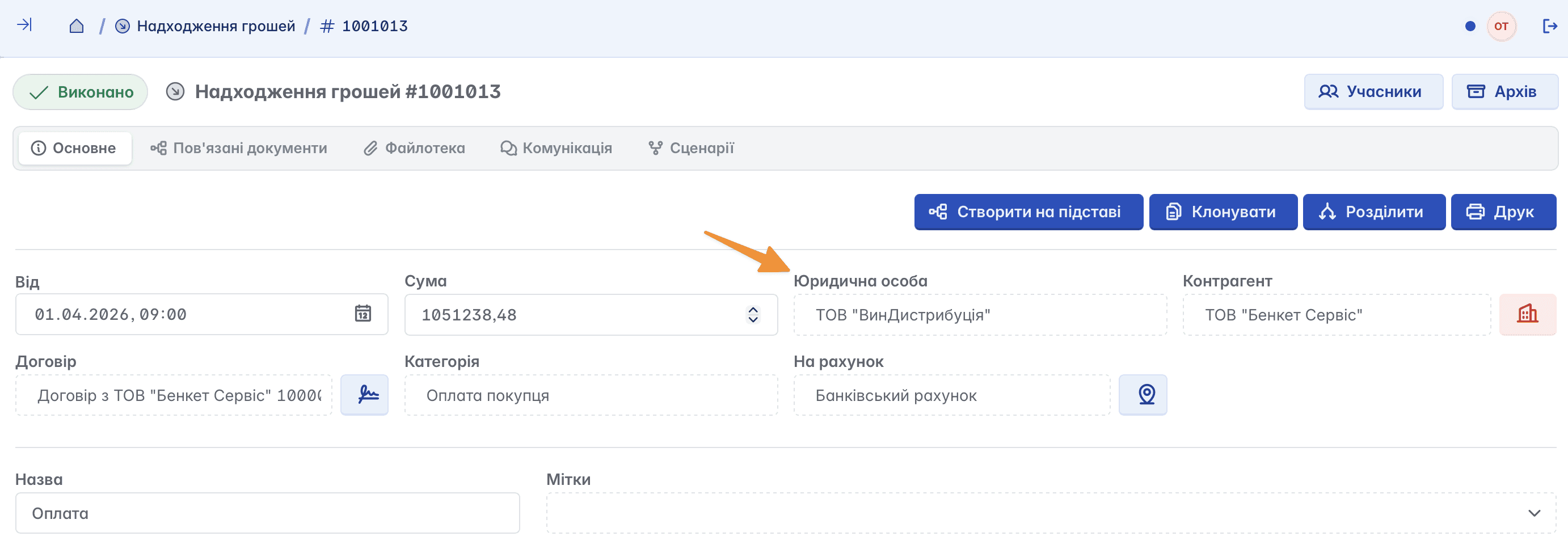
In any document, the legal entity is displayed among its fields
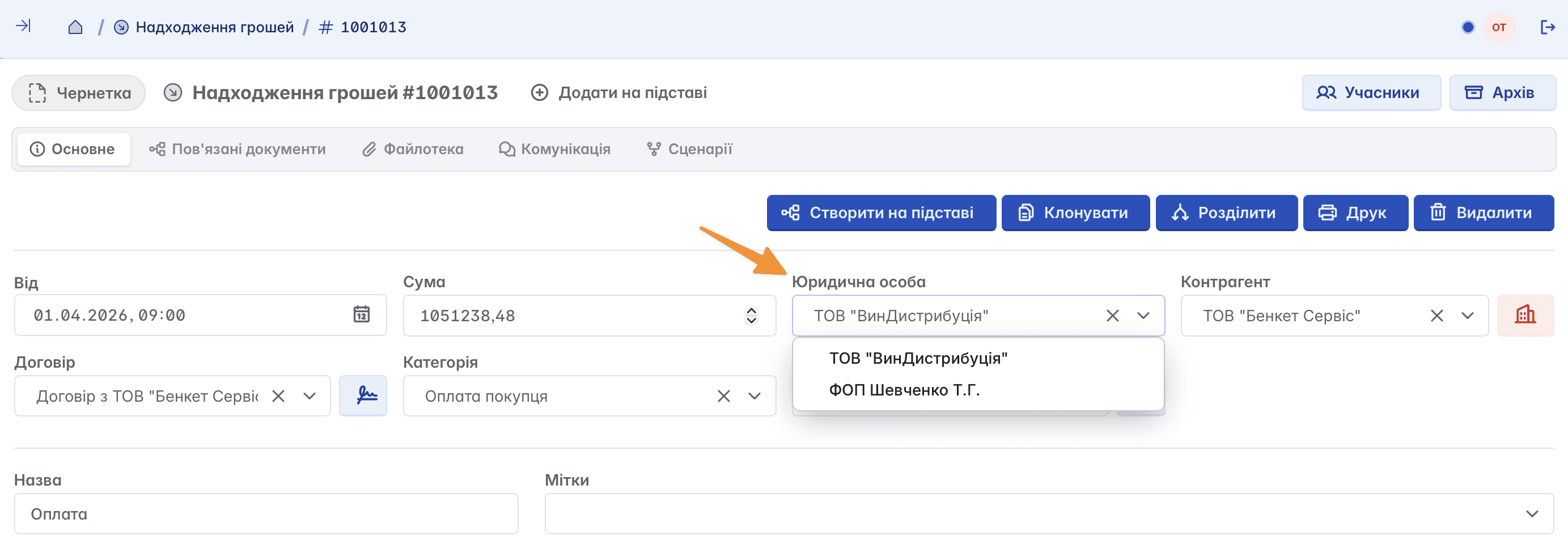
If necessary, and if the document status is not "Completed", you can change the legal entity by selecting the required one from the list of available ones
Related articles